Get started with time tracking
Log time from the Pipedrive dock. Your project’s hours update automatically.
Open the dock
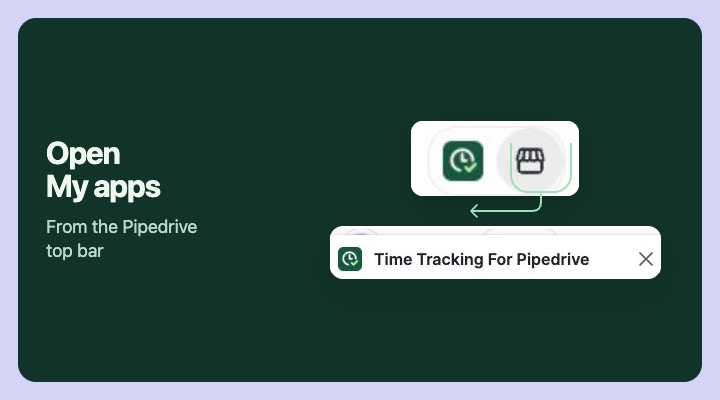
Open a project in Pipedrive. Select My apps in the top bar, then Time tracking for Pipedrive. Check the project shown in the dock. When you open the dock outside a project, it can reuse your last selection.
Log time on a task
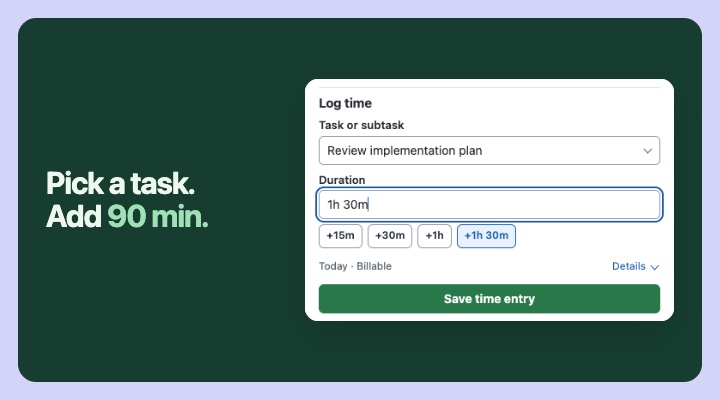
Pick a task or subtask, enter a duration or tap +1h 30m, then save.
Your budget updates automatically
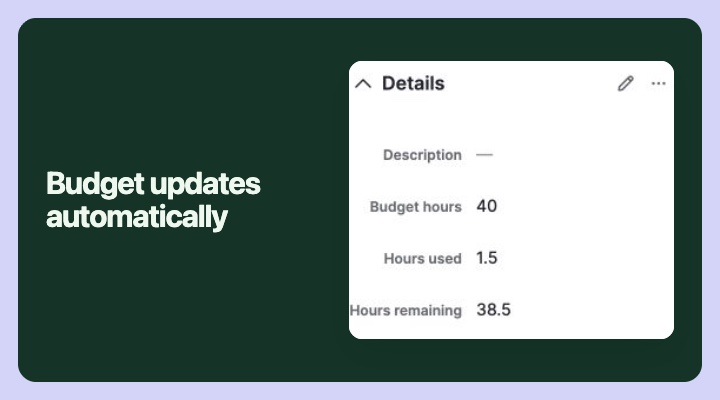
After you save a time entry, the app automatically calculates Hours used and Hours remaining and updates both fields on the Pipedrive project.